Why Is My Fire Stick Buffering? (And How to Stop Your ISP Throttle)
Picture the scene. You have snacks, you have the sofa, and you have just settled down to watch the latest blockbuster on Netflix or the big match on Prime Video.
The opening credits roll… and then it happens.
The spinning circle of doom. The picture freezes. The audio goes out of sync.
You check your phone. The Wi-Fi seems fine. You pay Virgin Media or BT for “superfast fibre,” so why can’t your TV play a simple movie without stuttering?
The answer might not be your Wi-Fi signal. It might be your Internet Service Provider (ISP) deliberately slowing you down.
Here is why streaming devices buffer, and the secret weapon tech enthusiasts use to stop it.
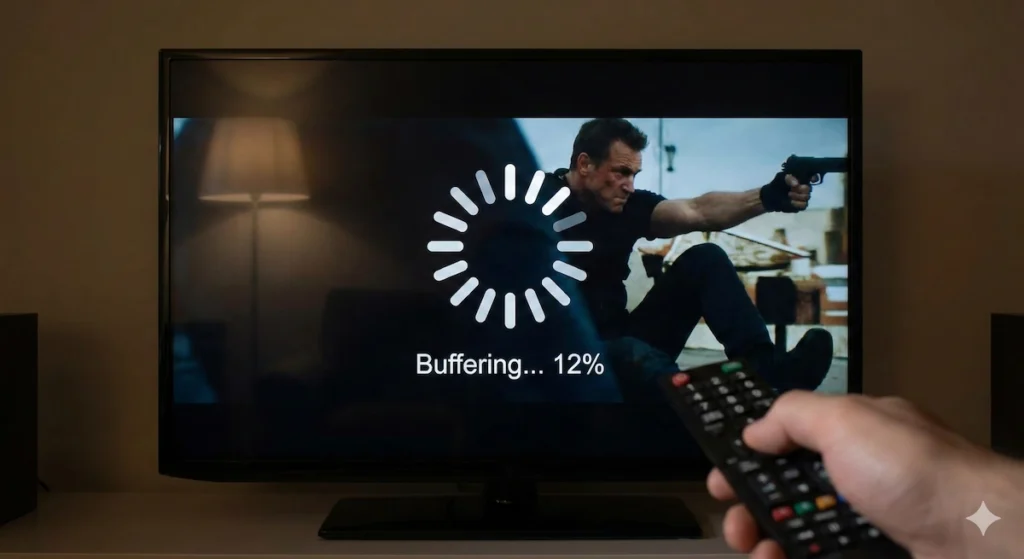
An example above of buffering which, I’m sure many of you reading this would have experienced, and will no doubt agree just how frustrating this can be!
🛑 The Invisible Problem: ISP Throttling
Internet providers like Sky, Virgin, and BT hate peak times (usually 7 pm to 10 pm). That’s when everyone gets home and turns on 4K streams simultaneously.
To manage this huge demand on their network, they sometimes engage in a practice called “Throttling.”
Your ISP can see exactly what you are doing online. When they see you are pulling a massive amount of data from Netflix or a live sports server, they can artificially squeeze your connection speed just for that specific activity.
Your speed test on your laptop might show 200Mbps, but your streaming stick might only be getting 10Mbps.
It feels unfair, but it happens constantly.
🛡️ The Solution: The “Cloak of Invisibility” (VPN)
If you want to stop your ISP from meddling with your stream, you need to hide what you are watching from them.
You do this with a Virtual Private Network (VPN).
Think of your normal internet connection as a clear glass pipe. Your ISP can look inside and see exactly what data is flowing through it (Netflix, iPlayer, etc.).
A VPN takes that glass pipe and wraps it in lead.
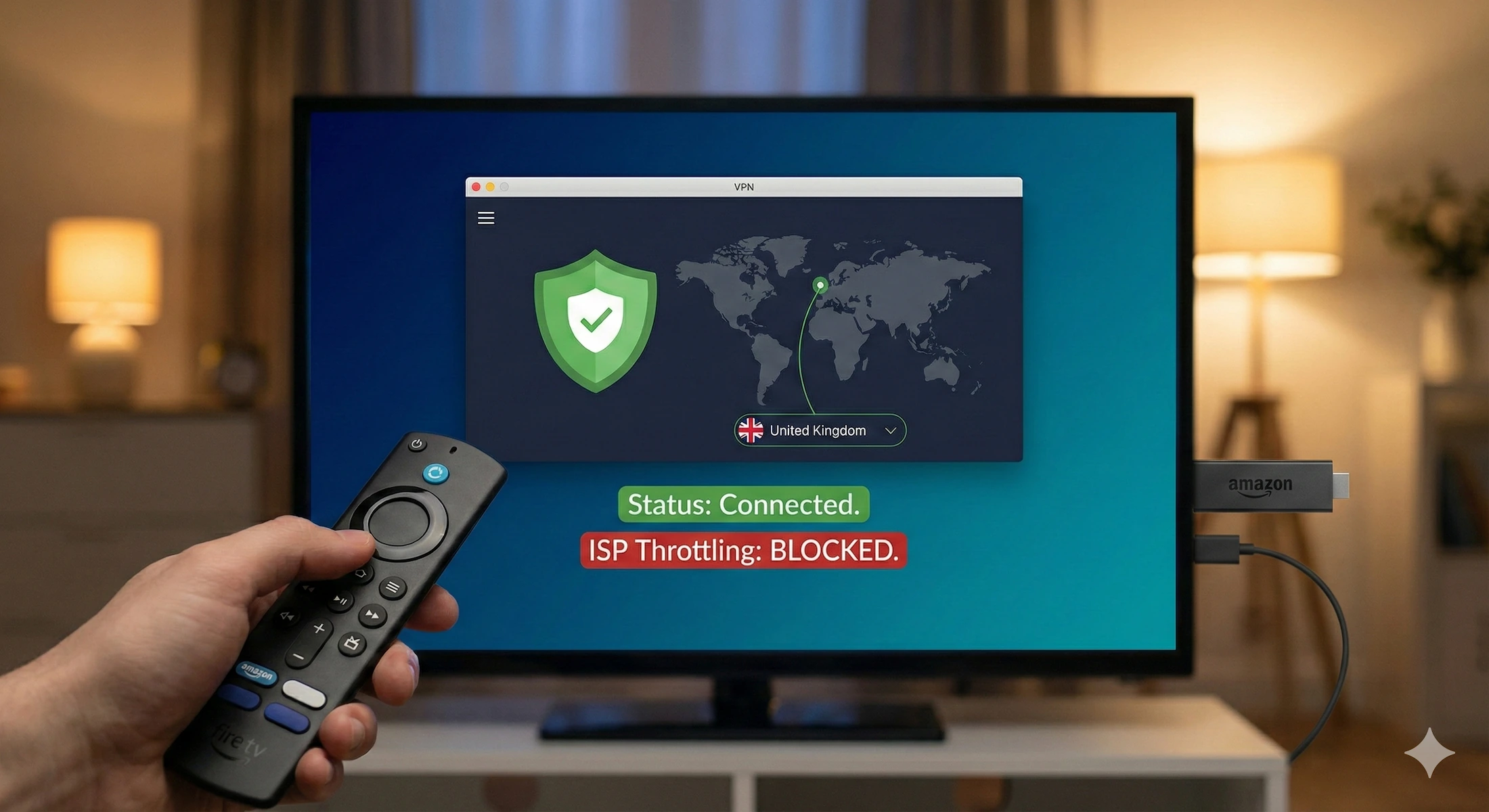
When you turn on a VPN on your Fire Stick or Android Box, it creates an encrypted tunnel between your device and the video server. Your ISP can still see that data is flowing, but they have absolutely no idea what it is.
If they don’t know you are watching 4K Netflix, they can’t automatically throttle it.
🏆 Which VPN is Best for UK Streamers?
Not all VPNs are created equal. Free VPNs are terrible; they are slow, full of ads, and will make buffering worse.
For streaming in the UK, you need speed, reliability, and easy-to-use apps.
My Top Recommendation: NordVPN
I have tested dozens of services, and NordVPN is currently the king of streaming performance.
- It’s Fast (Really Fast): They use a special technology called “NordLynx” which means you barely notice any speed drop. 4K streams load instantly.
- It has a Native App: You don’t need to be a hacker to use it. You just download the NordVPN app directly from the Amazon App Store on your Fire Stick or Google Play Store on your Shield.
- UK Servers: They have hundreds of super-fast servers located in London and Manchester, ensuring you get the best possible connection for UK catch-up apps.
👉 Limited Time Deal: Get up to 70%+ Off NordVPN here
🛠️ How to Setup a VPN in 3 Minutes (Fire TV Example)
You don’t need to be a tech expert to set this up. If you can install Netflix, you can install a VPN.
- Get your subscription: Sign up at the link above on your phone or laptop.
- Find the App: On your Fire TV Stick home screen, go to “Find” (the magnifying glass) and type in “NordVPN”.
- Install & Connect: Download the app. Open it, log in with your new account details, and click “Quick Connect.”
A little green key icon will appear at the top of your screen. That’s it. You are now invisible to your ISP. Go back to Netflix and enjoy buffer-free viewing.
Final Verdict
You pay a lot of money for your broadband and your streaming subscriptions. You deserve to watch them in glorious 4K without interruptions.
If you have tried moving your router and rebooting your Fire Stick and it still buffers during the big match, don’t blame the hardware. Blame your ISP.
A quality VPN like NordVPN is the cheapest, easiest upgrade you can make to guarantee a smooth streaming night.