How to Watch Freeview on Fire Stick (No Aerial Needed)
Gone are the days when you needed a messy black cable trailing across your skirting board just to watch Coronation Street.
One of the most common questions we get at OnDemand-TV is: “How do I install the Freeview app on my Fire Stick?”
Here is the bad news: There is no “Freeview” app. The official Freeview brand doesn’t actually have an application for streaming sticks.
But here is the good news: You absolutely can watch every major UK channel live, in HD, without plugging in a single aerial cable. You just need to know which apps to download and, crucially, how to set up the Fire TV “Live Guide” to make it feel just like a normal telly.
Here is the complete step-by-step guide to cutting the aerial cord for good.
Step 1: Download the “Big 5” Broadcaster Apps
Since there isn’t one single app that holds every channel, you need to download the individual apps for the broadcasters you want to watch.
Go to the Appstore on your Fire Stick and install these five essential (and free) apps:
- BBC iPlayer: For BBC One, Two, Three, Four, News, and CBBC.
- ITVX: For ITV1, ITV2, ITV3, ITV4, and ITVBe.
- Channel 4: For Channel 4, E4, More4, and Film4.
- My5: For Channel 5, 5USA, 5Star, and 5Select.
- UKTV Play: For Dave, Drama, Yesterday, and W.
Important: You will need to create a free account and sign in to each of these apps once. It takes about 10 minutes to do them all, but you only have to do it once.
Step 2: The Secret Weapon (The “Live” Tab)
Opening five different apps just to see what is on TV is annoying. You want a proper TV Guide (EPG), right?
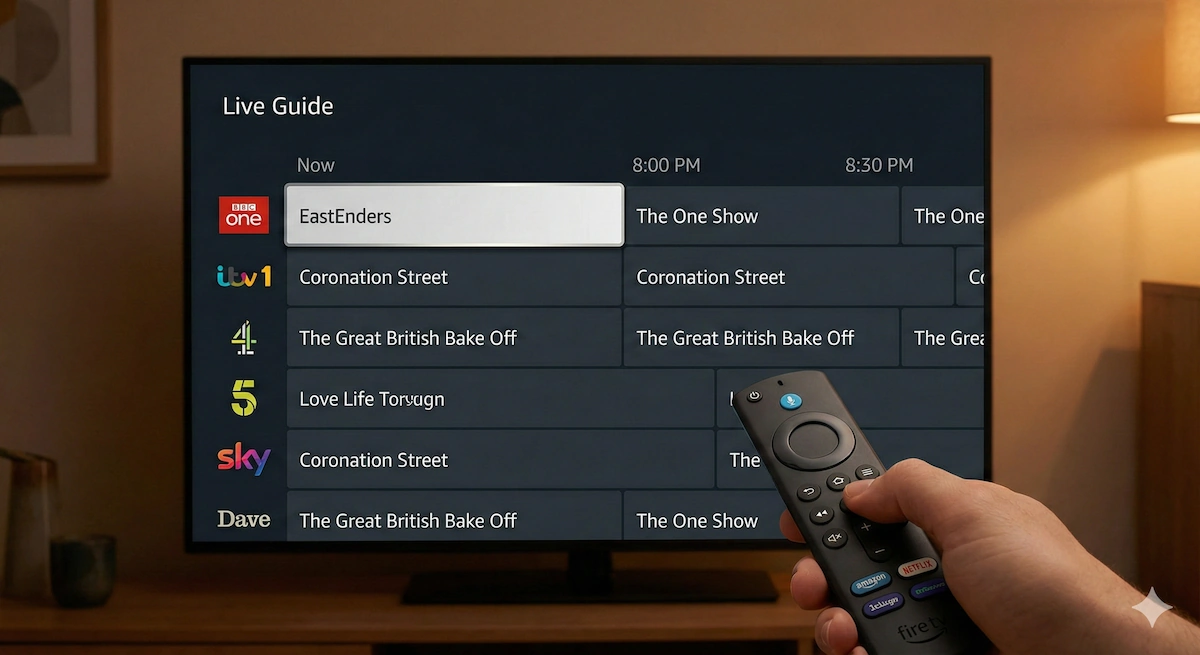
Amazon has a hidden feature that fixes this. It stitches all those apps together into one simple grid.
- On your Fire TV Home Screen, scroll to the “Live” tab (usually next to “Home”).
- Scroll down to “Options” (or press the button with three lines on your remote).
- Select “Sync Sources.”
- Click on BBC iPlayer, ITVX, and My5 to add their channels to the list.
Now, when you go to the “Live” tab, you will see a traditional TV grid guide. You can scroll down, see what is on BBC One or ITV2 right now, and when you click a show, it instantly launches the correct app and starts playing live.
It feels exactly like using a normal Freeview box, but it is powered entirely by your Wi-Fi.
Step 3: Getting “Local” News
One downside of streaming is that the apps don’t always know where you live. You might tune into BBC One and get “BBC London” news when you actually live in Manchester.
To fix this:
- Open the BBC iPlayer App.
- Go to Settings > Change Location.
- Enter your postcode.
Now, when you watch BBC One live via the app, you will get your correct local “Look North” or “Midlands Today” news bulletin.
⚠️ Common Problems & Fixes
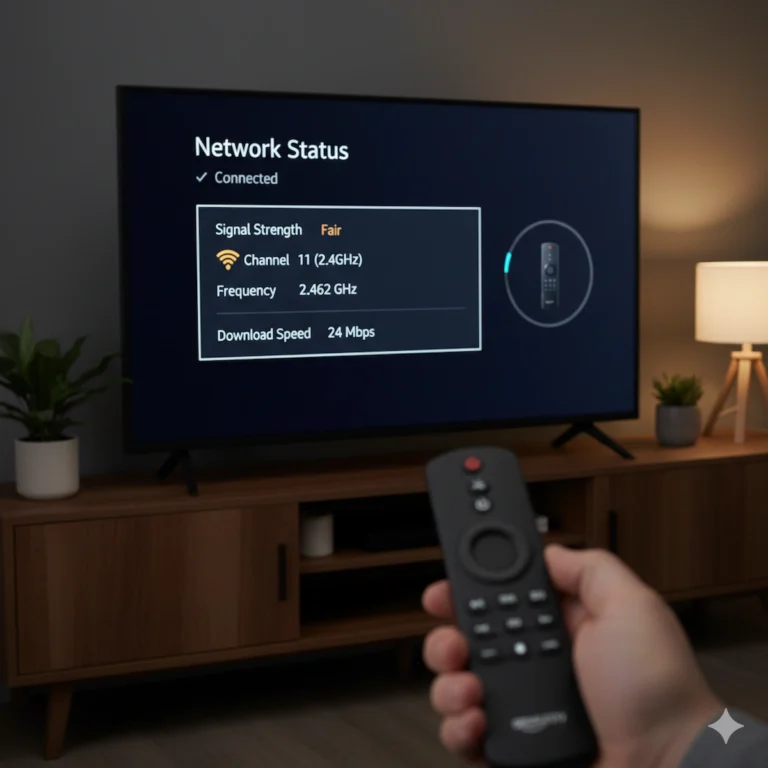
“The stream keeps pausing/buffering” Live TV is more demanding than Netflix because it can’t “buffer” ahead (since it is happening live!).
- The Fix: Use the HDMI Extender (the small cable dongle) that came in the box. It moves the stick away from the back of the TV, improving Wi-Fi signal reception significantly.
“I can’t find a specific channel (like Sky News)” Not all channels are on the main broadcaster apps.
- The Fix: For Sky News, download the YouTube app. Sky streams their news channel live 24/7 on YouTube for free.
“Is it legal?” Yes. However, even though you aren’t using an aerial, UK law states you still need a TV License if you are watching broadcast TV as it is being shown live.
Verdict: Do You Still Need an Aerial?
For 95% of people, the answer is no. That said, I would always suggest keeping/maintaining your current digital TV aerial, as with if should your on demand device ever fail, or there is an outage with your internet service provider (ISP) or you internet broadband router fails, at least in one or more of these circumstances you will still be able to watch digital/terrestial television through your existing tv aerial setup feed.
If you have a fast internet connection (fibre is best) and a Fire TV Stick, the experience is almost identical to standard Freeview, but with the added bonus of better picture quality (HD is standard on streaming) and no messy cabling.
If you are finding your current Fire Stick is sluggish when switching between these live channels, it might be time to upgrade to the Fire TV Stick 4K Max. It has a faster processor specifically designed to handle this kind of rapid app-switching.