The Best Easy-to-Use TV Boxes for the Elderly (No Tech Skills Required)
We have all had that phone call.
“I pressed a button and the picture has gone.” “How do I get back to BBC 1?” “The TV is asking me for a password!”
Modern Smart TVs are fantastic, but they can be a nightmare for older users or anyone who isn’t “tech-savvy.” The remotes have 50 tiny buttons, the menus change constantly, and it is far too easy to get lost in a maze of apps when you just want to watch Countdown.
If you are buying for an elderly parent, grandparent, ‘senior citizen’ as my grandmother refers to herself as! or anyone who values simplicity over fancy features, you don’t need the most expensive box. You need the most logical one.
Here is my guide to the best senior-friendly TV devices available in the UK right now.
🛑 What Makes a TV Box “Senior Friendly”?
Before we look at the models, here is the criteria I use. A device only makes this list if it passes three tests:
- The “One-Press” Rule: Can you get to the content you want with minimal clicking?
- The Physical Remote: Are the buttons raised, distinct, and easy to feel? (Touchscreens and flat remotes are a no-go).
- The “Input” Stability: Does it stay on the right HDMI channel?
🏆 Top Pick for Streaming: Roku Express 4K
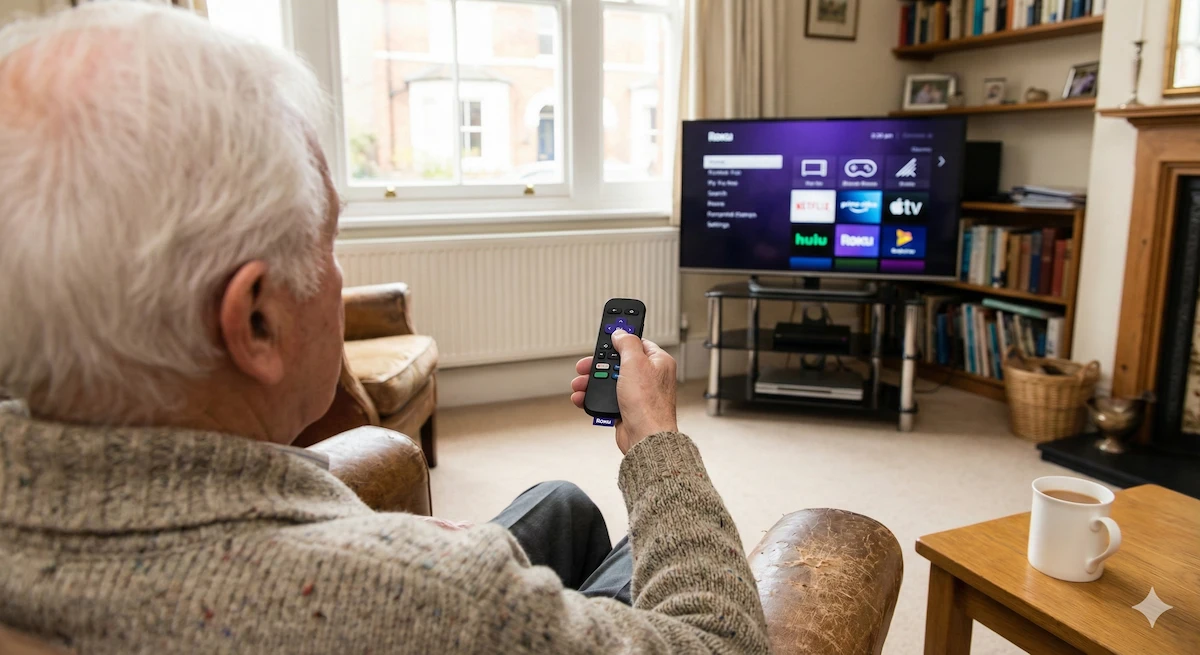
If your relative wants to watch “Catch Up” TV (like BBC iPlayer, ITVX, or dramas on Netflix) but finds Smart TVs confusing, Roku is the answer.
Why it works for seniors:
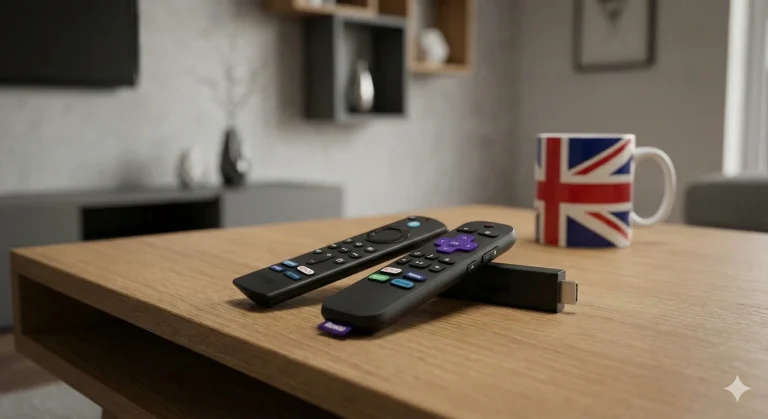
- The Menu Never Changes: Unlike Amazon or Google, who constantly move things around, the Roku menu is a boring, simple grid. Netflix is always in the same spot. iPlayer is always in the same spot. It builds muscle memory.
- The Remote is Simple: It has very few buttons. A big purple cross for direction, a “Home” button, and “Back.” It is very hard to press the wrong thing.
- High Contrast UI: The purple background with white text is easy to read for those with failing eyesight.
⚠️ The Only Downside: It is a “Streaming Only” device. It doesn’t have channel numbers (like 101 for BBC One). If your relative is used to typing in numbers to change channels, this might feel alien at first.
👉 Check Roku Express Price on Amazon
📺 Top Pick for “Traditional” TV: Manhattan T3-R / T4
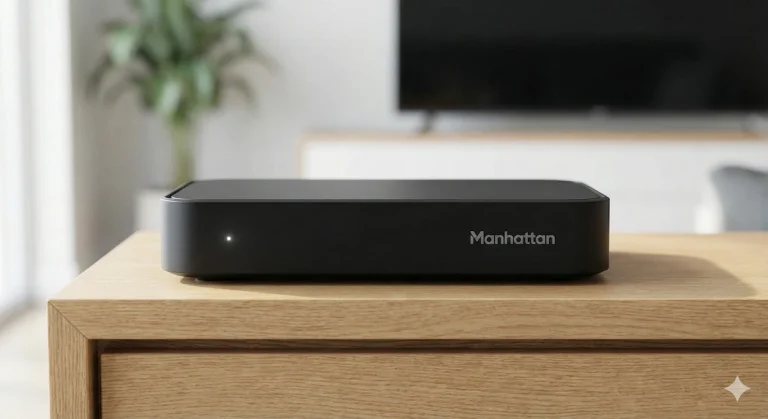
If your relative wants to keep things “just like they used to be”—with a proper TV guide, channel numbers, and recording capabilities—do not buy a streamer. Buy a Manhattan Freeview Play Box.
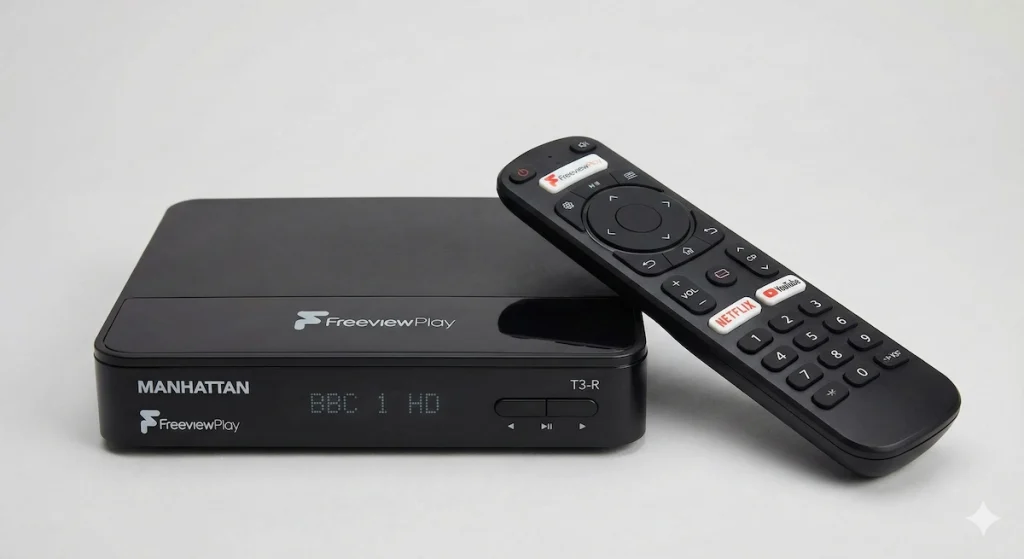
This plugs into the aerial (just like an old VCR or Sky box) but adds smart features in the background.
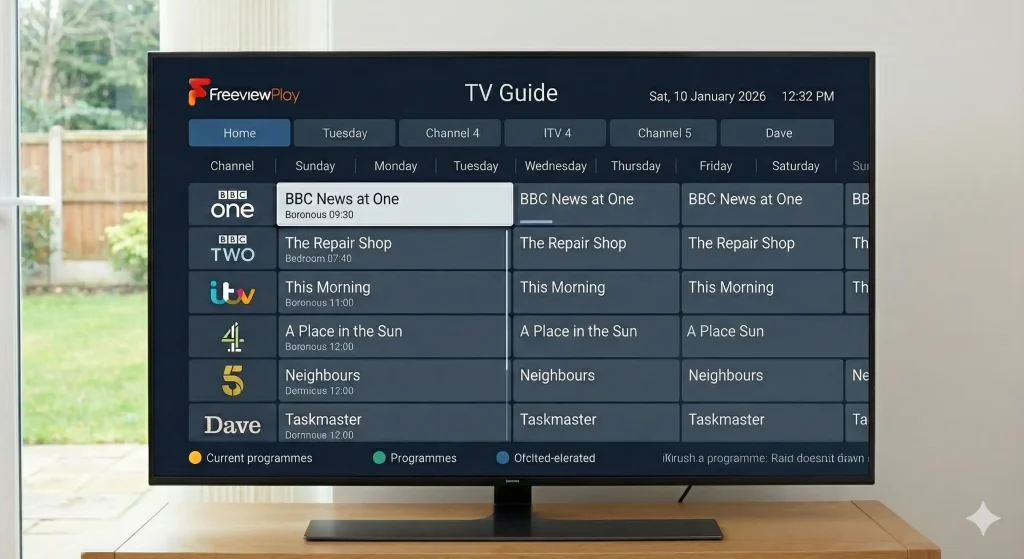
It’s TV guide is simplistic, and much less cluttered than what you would find on a Amazon Fire TV or Roku device, making this a good choice for older family members who may not be quite so experienced and comfortable with technology.
Why it works for seniors:
- It’s a “Set Top Box”: It behaves exactly like a Sky box or an old video recorder. You turn it on, and BBC One starts playing instantly. No menus to navigate first.
- The “TV Guide” Button: It has a dedicated button that brings up the traditional grid as shown in the example above.
- Recording is Easy: You find a show, press the red “Record” button, and that’s it. It’s perfect for seniors who love to series link their soaps.
- Integrated Catch-Up: If they miss an episode, they can scroll backwards in the TV guide (Freeview Play) to watch it. This is much more intuitive than opening separate apps.
⚠️ The Downside: It is more expensive than a stick (usually £100-£160), but for the peace of mind and lack of confusion, it is worth every penny.
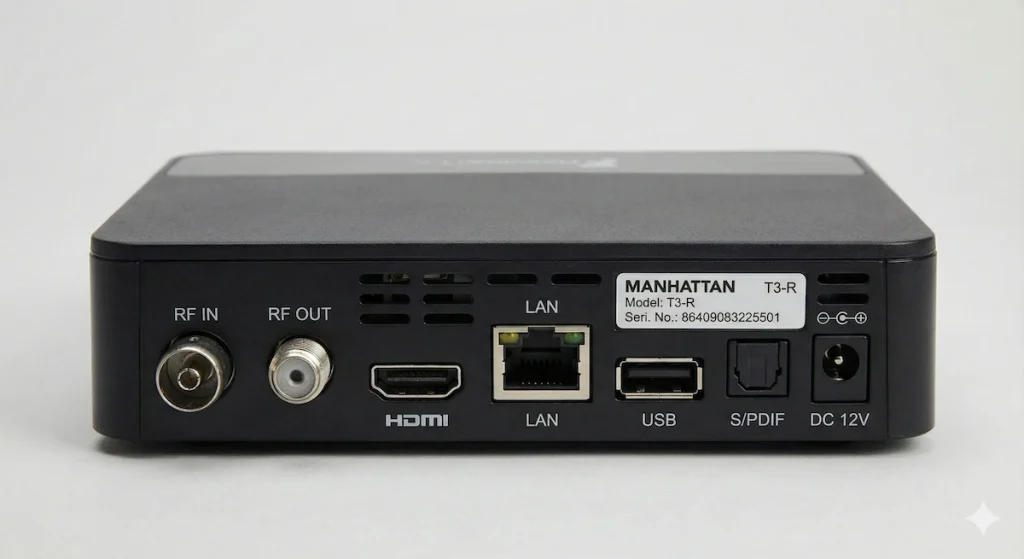
A close up image showing the rear of the Manhattan T3-R model. These devices benefit from having a LAN port, not found of streaming sticks and this will provide a more stable, interference free, and potentially faster connection when streaming content, particularly if your wireless broadband router happens to be some distance from the device and possibly many obstructions between it by way of solid walls/doors etc. You will of course have to run an ethernet cable, often referred to as Cat5 or Cat6 cable from the router to this device to enjoy the benefit of this better connection, but if the option is there, it is definitely recommended, particularly as mentioned if the wireless connection to the device is poor owing to the distance and obstructions which may be present.
👉 Check Manhattan T3-R Price on Amazon N.B. – This product has since been discontinued. It’s replacement is the Mahattan T4-R. You can find the current Price of the Mahattan T4-R on Amazon here
💡 The Secret Weapon: Voice Control
For users with arthritis (who struggle with buttons) or poor eyesight (who can’t read onscreen text), Voice Control is not a gimmick—it’s a lifeline.
The Amazon Fire TV Stick (ironically) shines here, specifically if you set it up for them.
If you buy a Fire Stick, hold the blue button and teach your relative to just say what they want:
- “Alexa, play Coronation Street.”
- “Alexa, put subtitles on.”
- “Alexa, go to BBC One.”
This completely bypasses the confusing menus. If your relative is comfortable talking to a device, this is often the easiest route.
🛠️ 3 Setup Tips to Stop the “Help Me” Phone Calls
Once you have bought the device, do not just hand it over. Spend 20 minutes “Senior-Proofing” it:
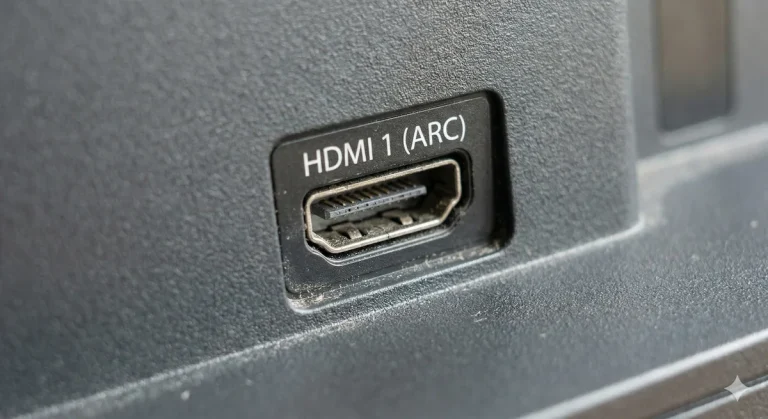
1. The “HDMI Sticker” Trick The #1 problem seniors face is the TV switching to the wrong input (e.g., from HDMI 1 to DTV).
- The Fix: Put a small sticker on the physical TV remote over the “Source/Input” button to warn them not to touch it. Or, use a label maker to label the Roku remote “WATCH TV” and the TV remote “ON/OFF ONLY.”
2. Declutter the App Grid If you buy a Roku, delete every app they don’t use.
- Remove Apple TV, Spotify, Plex, and weird news channels.
- Leave only: BBC iPlayer, ITVX, Netflix, and Channel 4.
- Make the icons big and impossible to miss.
3. Increase the Font Size Most devices (especially Fire TV and Apple TV) have an “Accessibility” menu. Go in there and turn on “Large Text” or “High Contrast Mode.” It makes a massive difference for readability from the armchair.
Final Verdict
- If they want to Record shows and use channel numbers: Buy the Manhattan Freeview Box. It is the closest replacement for Sky/Virgin and requires zero learning curve.
- If they just want iPlayer/Netflix and simplicity: Buy the Roku Express. It is cheap, the remote is simple, and the menu never changes.
- If they have poor dexterity or eyesight: Try the Fire TV Stick with Alexa and teach them to use the Voice Button.
- One final note….If you don’t want to use an aerial at all, check out my guide on watching Freeview via Wi-Fi.