Fire Stick Keeps Restarting? The “Boot Loop” Fix (2026 Guide)
Last Updated: January 2026
It is the ultimate movie night disaster.
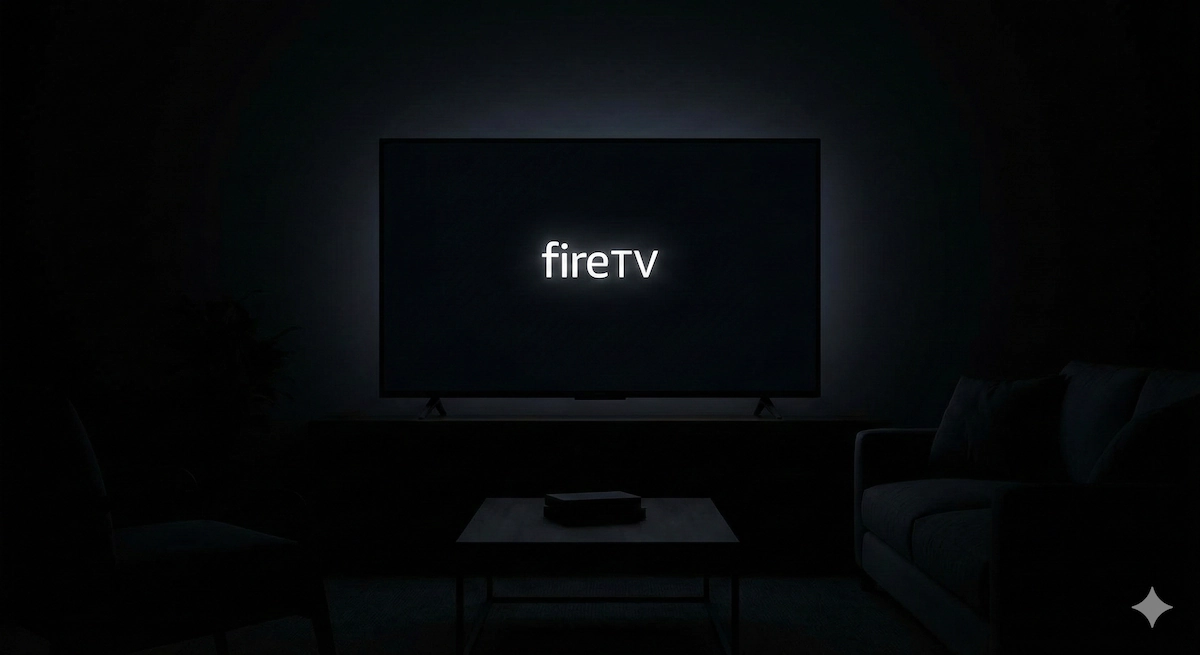
You turn on your TV, the “fireTV” logo appears, and you wait. And wait.
Suddenly, the screen goes black, the logo appears again, and the process repeats. Or perhaps you are staring at a screen that says “Optimizing System Storage and Applications” that never actually finishes.
This is called a “Boot Loop.” It means your Fire Stick is trying to start up, failing, and trying again in an endless cycle.
Before you throw your device in the bin and order a new one, read this. 90% of the time, your Fire Stick isn’t broken—it is just “starving.”
Here is how to fix it in 3 minutes.
🛑 The #1 Cause: You Are Starving It of Power
By far the most common reason for a Fire Stick restart loop is insufficient power.
Many people plug the Fire Stick’s power cable into the USB port on the back of their TV because it looks tidy.
The Problem: Most TV USB ports are designed to power small things like a USB memory stick (0.5 amps). A Fire Stick 4K needs much more power (1.0 amp or more), especially when it is booting up or connecting to Wi-Fi.
If the Stick asks for power and the TV port can’t give it, the Stick crashes and restarts.
The Fix:
- Unplug the USB cable from your TV’s USB port.
- Find the original power plug (brick) that came with your Fire Stick.
- Plug it directly into a wall socket.
Try this immediately. For most people, the boot loop will stop instantly.
“But I hate cables hanging down!”
If you absolutely must power it from the TV because your wall socket is too far away, do not use a standard cable. You need a Mission USB Power Cable.
This is a clever specialized cable with a built-in battery. It stores power from your TV’s weak USB port and releases it when the Fire Stick needs a boost, guaranteeing smooth performance without the messy wires.
👉 Check Price of Mission USB Power Cable on Amazon
🔥 Cause #2: It Is Suffocating (Overheating)
Fire Sticks get hot. If they get too hot, they will shut down to protect themselves, cool off for a second, try to start, get hot again, and crash.
The Test: Touch your Fire Stick. Is it almost too hot to hold?
The Fix: Did you use the HDMI Extender? Inside every Fire Stick box is a short (5cm) HDMI cable. Many people leave this in the box thinking it is useless. It is essential.
- It moves the Stick away from the heat of the TV screen.
- It improves airflow around the Stick.
- It boosts Wi-Fi signals.
If you aren’t using the extender, fit it now and let the stick cool down for 10 minutes.
🔄 Cause #3: The “Soft Reset”
If power and heat aren’t the issue, the software might just be stuck in a glitch. You can force a restart without unplugging it.
- Grab your remote.
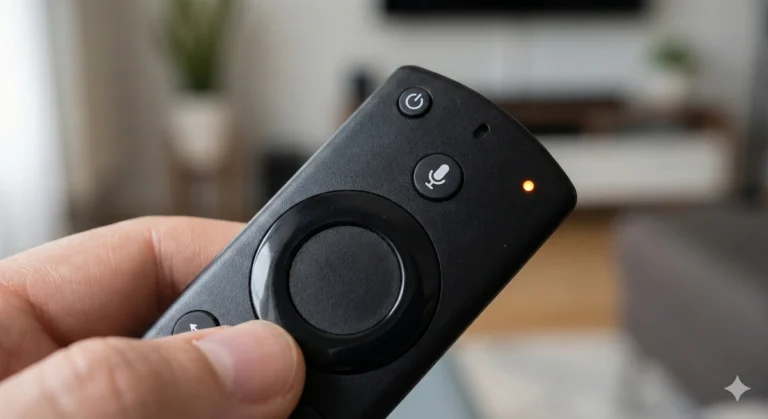
- Hold down the Select (big round middle button) and Play/Pause buttons at the same time.
- Keep holding them for 10 seconds.
This sends a “Force Restart” command to the stick, which can sometimes nudge it out of the loop.
☢️ The Nuclear Option: Factory Reset
If you have tried the wall plug and the extender, and it is still looping, the operating system might be corrupted.
You need to wipe it. Since you can’t get to the “Settings” menu (because it won’t load), you have to do this via the remote.
- Power up the stick.
- Press and hold Right (on the circle) and Back at the same time.
- Hold for 10 seconds or more.
If you are lucky, a factory reset screen will pop up. Select “Reset.” Warning: This deletes your apps and logins. You will have to download Netflix and sign in again.
💀 Is It Dead?
If you have tried the wall socket, the HDMI extender, and the factory reset buttons, and it still only shows the Logo… your Fire Stick may have a hardware failure.
The internal flash memory can wear out after 3-5 years of heavy use.
If this is the case, it is time to upgrade. The new models are significantly faster, meaning this “boot loop” is less likely to happen again.
My Recommendation: Don’t buy the “Lite” version. Spend the extra £10 for the Fire TV Stick 4K. It has a better processor and more RAM, making it much more durable against these kinds of crashes.