Where Did UKTV Play Go? And What Is “Freely”? (2026 UK TV Guide)
Last Updated: February 2026
If you have turned on your Fire Stick recently and noticed a strange app called “U”—or if you’ve heard people talking about a new service called “Freely”—you aren’t alone in your confusion.
The way we watch free TV in the UK is going through its biggest shake-up since the digital switchover. Unfortunately, with big changes come big frustrations.
Here is everything you need to know about the “U” rebrand and why you probably can’t find “Freely” on your Fire Stick.
1. UKTV Play is now “U” (The Rebrand Explained)
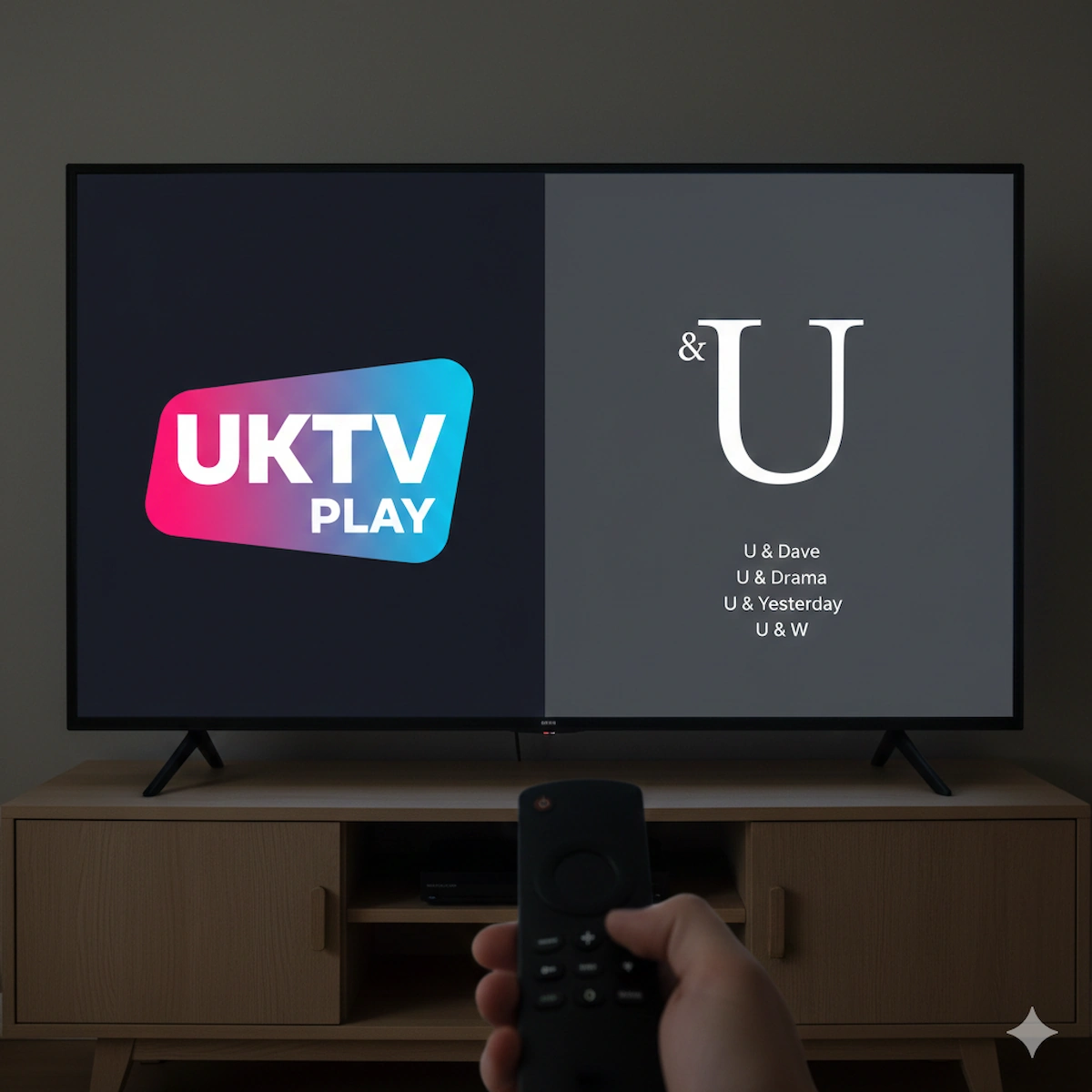
In mid-2024, the broadcaster UKTV decided to simplify things. They scrapped the name “UKTV Play” and replaced it with U.
Along with the app change, their famous channels also got a makeover:
- Dave is now U&Dave
- Drama is now U&Drama
- Yesterday is now U&Yesterday
- W is now U&W
The “U” Troubleshooting Guide
The rebrand hasn’t been smooth for everyone. If your app is crashing or showing “Horizontal Lines,” try these three fixes:
- The “Old App” Ghost: Your Fire Stick might still be trying to launch the old “UKTV Play” data. Go to Settings > Applications > Manage Installed Applications > U. Select Clear Cache and Clear Data, then restart your stick.
- The Search Confusion: If you search the Appstore for “Dave” or “UKTV,” you might not see the result immediately. Search for the single letter “U” to find the official app.
- The Login Loop: Because of the rebrand, many users were logged out. You must re-register on the U.co.uk website and enter the 5-digit code shown on your TV to pair it again.
2. What is “Freely”? (And why isn’t it on my Fire Stick?)
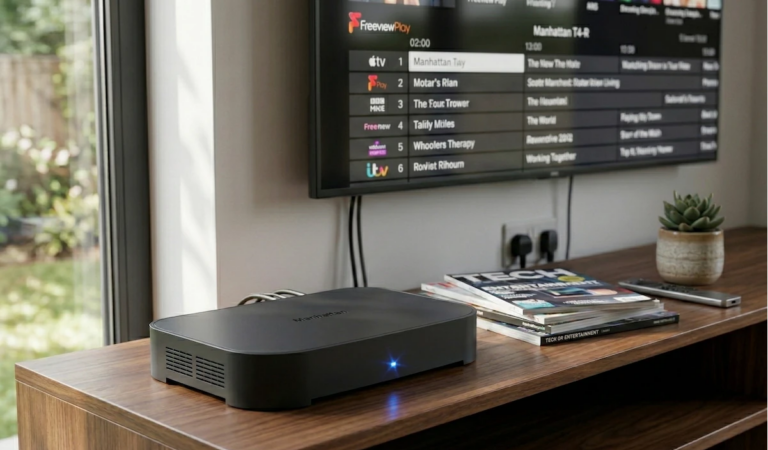
This is the biggest source of frustration right now. Freely is a brand-new service launched by the BBC, ITV, Channel 4, and Channel 5.
The Goal: To allow you to watch live TV via Wi-Fi with a proper TV Guide, without needing an aerial or a monthly subscription.
The Catch: You can’t “download” Freely.
Unlike ITVX or BBC iPlayer, Freely is not an app you can just add to your Fire Stick. It is a built-in software platform.
- Where it works: Freely is currently only available on new 2024/2025 Smart TVs (like Hisense, Bush, Panasonic, and Sharp) that have the software built into the hardware.
- The Fire Stick Situation: As of February 2026, there is no Freely app for the Fire Stick. Amazon and the UK broadcasters haven’t reached an agreement to put the full Freely interface on streaming sticks yet.
3. How to get the “Freely Experience” on Fire Stick
If you want the benefits of Freely (Live TV via Wi-Fi) on your Fire Stick without buying a new TV, you have to do it manually.
As we covered in our How to Watch Freeview without an Aerial guide, you can recreate Freely by:
- Downloading the “Big 5” apps (BBC iPlayer, ITVX, Channel 4, My5, and U).
- Using the “Live” Tab on your Fire Stick home screen.
- Syncing your sources to create a “Unified Guide.”
While it isn’t “officially” Freely, it does exactly the same thing: Free live TV over Wi-Fi.
4. The Verdict: Is “U” better? Is “Freely” worth it?
- “U” is a great upgrade. It has over 8,500 hours of free content, including box sets of The Bill, Sharpe, and MasterChef. It’s a must-have app for any UK household.
- “Freely” is the future, but it’s still in its “early adopter” phase. If you have a perfectly good TV and a Fire Stick, do not buy a new TV just for Freely. Your Fire Stick can already do most of what Freely offers if you set it up correctly.