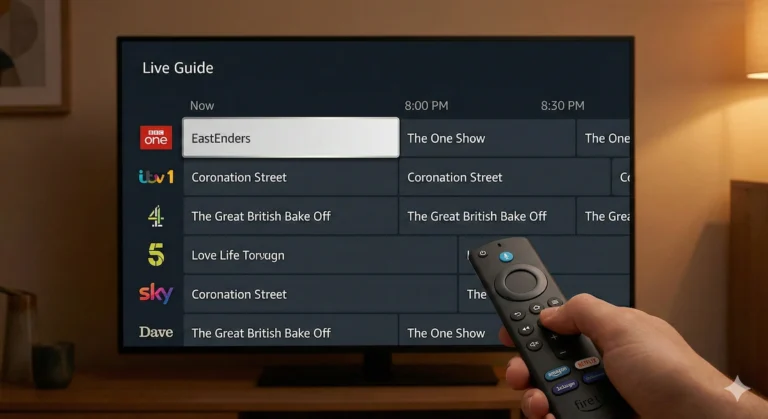
Fire Stick vs. Roku vs. Apple TV vs. Google: Which Streaming Device Should You Buy in 2026?
Last Updated: April 2026
If you are looking to upgrade your living room TV setup this year, you have probably realised that the streaming market has become incredibly crowded.
A few years ago, the decision was simple: buy a cheap streaming stick. Today, however, the major tech giants—Amazon, Roku, Google, and Apple—all offer devices that range from £35 all the way up to £200.
Should you save your money and stick with a budget dongle, or is it actually worth paying a premium for a high-end box?
After testing the top devices on the market, I have broken them down by “personality type.” Here is my ultimate guide to finding the exact streaming device that fits your budget and your living room in 2026.
1. The Budget King: Amazon Fire TV Stick 4K Max
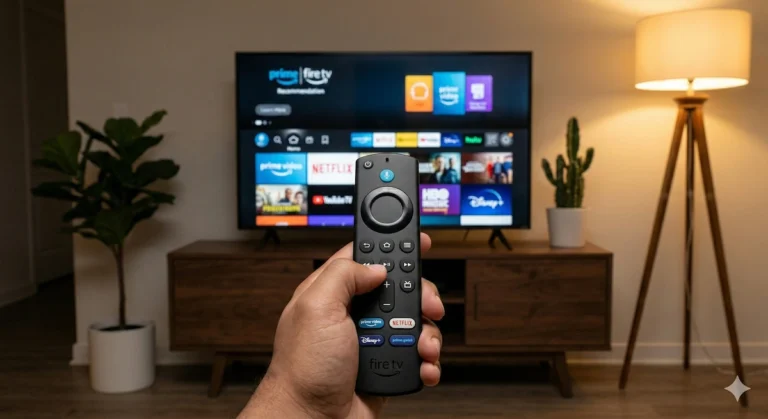
If you want the absolute best “bang for your buck,” Amazon still holds the crown. However, I highly recommend skipping the standard Fire Stick and spending a tiny bit extra on the 4K Max version.
This latest model is packed with features that used to be reserved for premium boxes. It comes with Wi-Fi 6E support for incredibly fast, buffer-free connections. Amazon has also upgraded it to 16GB of storage—double what you get on the standard sticks—giving you plenty of room for all your apps and downloads.
- The Best Feature: The “Fire TV Ambient Experience” turns your TV screen into a smart display, showing over 2,000 pieces of museum-quality art and photography when you aren’t watching a show. It also supports top-tier audio and video formats like Dolby Vision, HDR10+, and immersive Dolby Atmos.
- The Downside: The home screen is heavily focused on pushing Amazon Prime content and features quite a few advertisements.
- Who Should Buy It? Amazon Prime members, budget-conscious buyers, and anyone upgrading an older, sluggish 1080p stick.
👉 Check the latest price of the Fire TV Stick 4K Max on Amazon
2. The Simplicity Winner: Roku Express 4K
If you find modern TV menus confusing, cluttered, and overwhelming, the Roku is the antidote.
While Amazon and Google try to recommend what you should watch next, Roku simply gives you a clean, customisable grid of your chosen apps. There are no autoplaying video trailers and no aggressive pop-up ads on the home screen.
- The Best Feature: Absolute, uncompromised simplicity. It does one thing—stream apps—and it does it perfectly.
- The Downside: It lacks the advanced smart-home integrations of Amazon and Google.
- Who Should Buy It? Older users, young children, or anyone who just wants to click “Netflix” and start watching without navigating a maze.
👉 Check the latest price of the Roku Express 4K on Amazon
3. The Smart Home Hub: Google TV Streamer
Google has officially retired the famous “Chromecast” name, replacing it with the brand-new, sleek Google TV Streamer.
This is no longer a little dongle that hides behind your TV. It is a set-top box that boasts a processor that is 22% faster than older Chromecast devices, alongside double the memory. It comes loaded with 32GB of memory and fully supports 4K HDR with Dolby Vision.
- The Best Feature: Unbeatable personalised recommendations. It scans all your subscriptions (Netflix, Disney+, YouTube) and puts exactly what you want to watch on one brilliant home screen. It also acts as a brilliant smart home control center.
- The Downside: It is slightly more expensive than a basic Fire Stick.
- Who Should Buy It? Heavy YouTube watchers and people deeply invested in the Google Smart Home ecosystem (Google Nest, Android phones).
👉 Check the latest price of the Google TV Streamer on Amazon
4. The Premium Upgrade: Apple TV 4K
This is where we enter the high-end territory. The Apple TV 4K is significantly more expensive than the options above, but the moment you use it, you understand why.
It is powered by the same heavy-duty computer chips found in iPads and iPhones, making it blindingly fast. There is absolutely zero lag, zero buffering, and zero home-screen advertisements.
- The Best Feature: The ecosystem integration. You can use your iPhone to color-balance your TV screen, type in passwords, or seamlessly stream audio to a pair of AirPods if you want to watch TV in bed without waking your partner.
- The Downside: The high price tag.
- Who Should Buy It? iPhone users, home theater enthusiasts who demand the highest possible audio/video bitrates, and people who hate interface lag.
👉 Check the latest price of the Apple TV 4K on Amazon
5. The Ultimate Powerhouse: Nvidia Shield TV Pro
While it might look like something out of a sci-fi movie, the Nvidia Shield TV Pro remains the undisputed king of streaming for a very specific type of user.
Running on Android TV, this box is less about basic Netflix and more about heavy-duty home theater setups and gaming.
- The Best Feature: “AI Upscaling.” The Shield uses artificial intelligence to analyse older, fuzzy HD video and sharpens it to look like crisp 4K in real-time. It is also the only mainstream box that handles lossless audio formats (like Dolby TrueHD) for massive surround sound systems.
- The Downside: It is expensive and massive overkill for a casual viewer.
- Who Should Buy It? Hardcore home cinema owners with expensive soundbars, Plex media server users, and cloud gamers.
👉 Check the latest price of the Nvidia Shield TV Pro on Amazon
The Final Verdict
If you simply want to upgrade an older TV on a budget, in my honest opinion you cannot go wrong with the Fire TV Stick 4K Max.
However, if you have recently invested in a gorgeous new OLED TV and you want a device that matches that premium quality without shoving ads in your face, I strongly recommend saving up for the Apple TV 4K. It changes the way you experience television.
Over to you: Which camp do you fall into? Are you a budget-conscious Fire Stick loyalist, or are you tempted to make the jump to a premium box like the Apple TV or Google TV Streamer? Let me know which device you are using (and if you love it or hate it!) in the comments below.