How to Watch Freeview Without an Aerial in 2026 (Fire Stick, Smart TV & Freely)
Last Updated: May 2026
For decades, the ritual of moving into a new house or flat always included the same annoying task: trying to figure out if the rooftop TV aerial actually worked, or untangling a cheap indoor aerial and hanging it out of a window to get a signal.
If you live in a modern apartment building, have terrible local reception, or simply hate the look of cables trailing across your skirting boards, I have great news. In 2026, the traditional TV aerial is officially becoming obsolete. Thanks to high-speed broadband and new streaming technology now being commonplace, you can watch all your favorite UK live channels entirely over Wi-Fi. Here is exactly how to get your Freeview fix without ever plugging in an aerial cable.
Whilst digital TV aerials look to becoming a thing of the past, my suggestion would not to get rid of yours, and to perhaps maintain the one you have as, whilst on demand TV services are fantastic and reliable, should you ever have issues with your home broadband connection, you’ll obviously be left without any televsion service should you choose to ditch your TV aerial.
Method 1: The “Plug-in” Streaming Stick (Best for Older TVs)
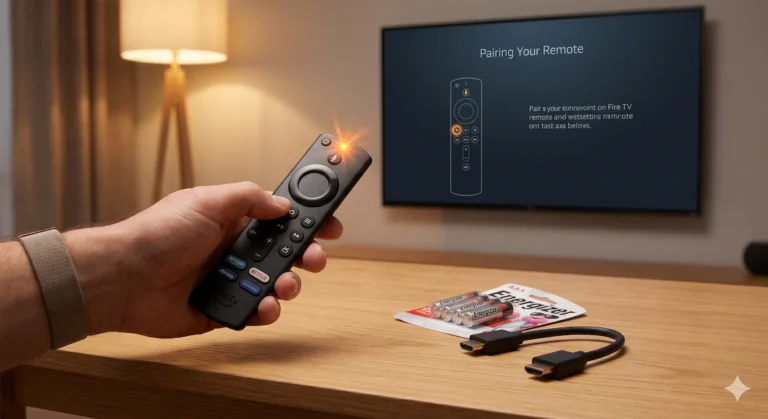
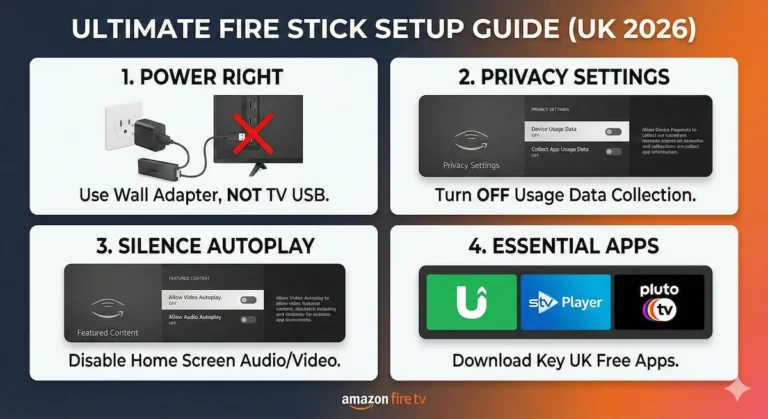
If you have an older TV that doesn’t connect to the internet, the cheapest and easiest way to ditch your aerial is to buy a streaming stick like an Amazon Fire TV Stick or a Roku Express.
How it works: While there isn’t one single “Freeview app” on these devices, all the major UK broadcasters have their own dedicated apps pre-installed.
- BBC iPlayer lets you stream BBC One, Two, Three, Four, and News live as it happens.
- ITVX streams all the live ITV channels.
- Channel 4 and My5 do the exact same for their respective channels.
You simply plug the stick into your TV’s HDMI port, connect it to your Wi-Fi, and open the app for the channel you want to watch.
- Pros: Incredibly cheap (under £40), portable, and includes bonus apps like Netflix and Disney+.
- Cons: You have to switch between different apps to watch different channels, rather than scrolling through one unified TV guide.
Check the latest price of the Amazon Fire TV Stick 4K here
Method 2: The Game Changer: Upgrade to a “Freely” TV
If you are already in the market for a brand-new television this year, you need to look for the Freely logo.
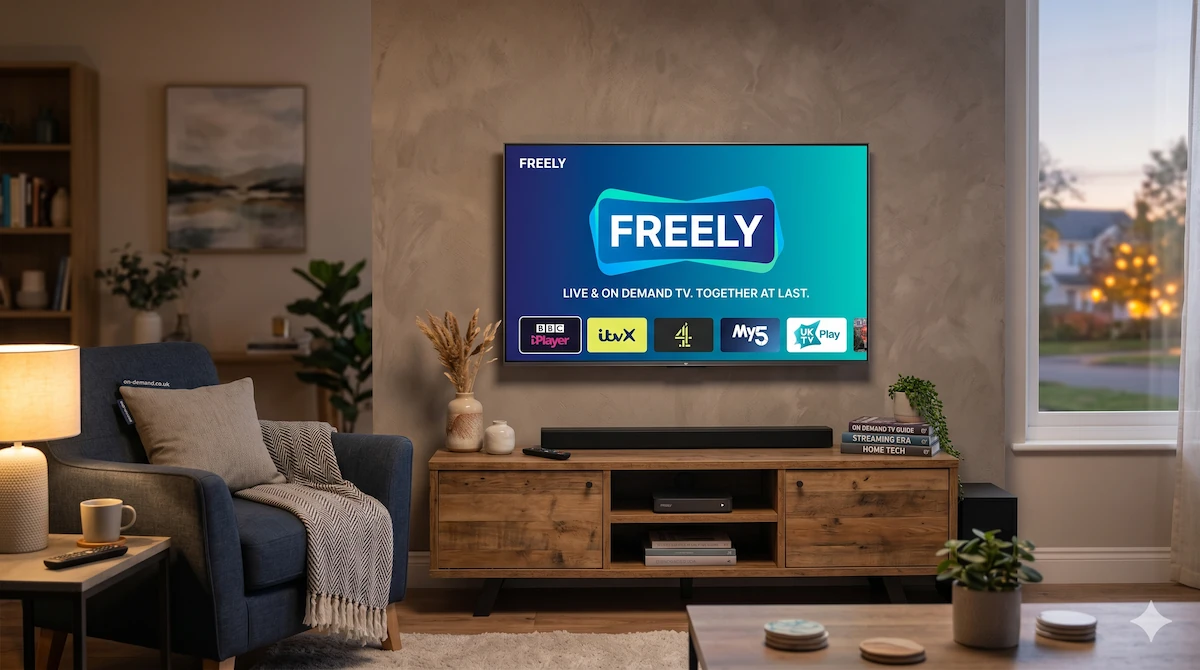
Launched by Everyone TV (the same people behind Freeview and Freesat), Freely is the official broadband-based successor to Freeview. It is built directly into most new 2025 and 2026 Smart TVs from brands like Hisense, Panasonic, and Toshiba.
How it works: Freely gives you the exact same experience as traditional Freeview, but entirely over Wi-Fi. You get a standard, unified TV guide that lets you seamlessly scroll through BBC, ITV, Channel 4, U, and dozens of other channels using your remote control—no aerial required. It even lets you pause live TV and instantly restart shows from the beginning if you missed the start.
- Pros: The ultimate “normal TV” experience. One single TV guide, incredibly easy to use, and entirely wire-free.
- Cons: You generally have to buy a brand-new, Freely-compatible TV to get it, as it cannot be downloaded as an app on older televisions.
Method 3: The Hybrid Approach (If you still want to record)
I need to include one important caveat: You cannot record live TV onto a hard drive using Wi-Fi. Because streaming sticks and Freely TVs pull their live feeds directly from the internet, they don’t allow you to highlight a future program and hit “Record Series” to save it for later. You have to rely on their catch-up libraries (which sometimes remove shows after 30 days).
If you are someone who loves to record entire series, pause live sports for an hour, or skip through advert breaks, you will still need a traditional aerial and a dedicated set-top box.
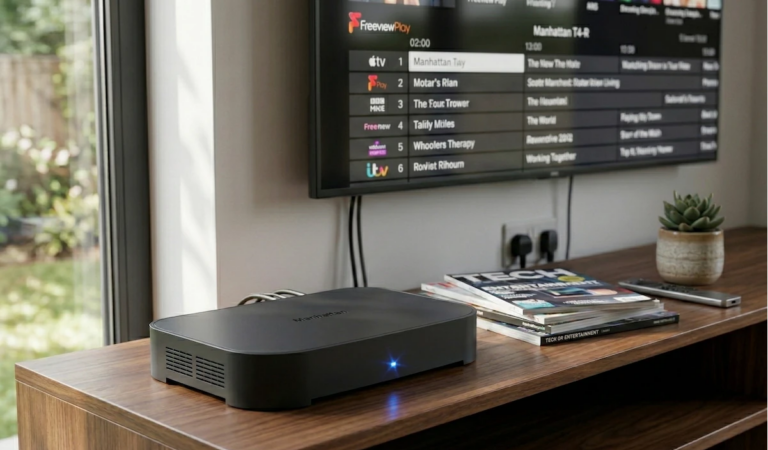
If this sounds like you, I highly recommend checking out my full review of the Manhattan T4-R. It is the absolute best Freeview recorder on the UK market right now, though it does require that pesky aerial cable to function!
Read my full, hands-on review of the Manhattan T4-R Freeview Recorder here
What Internet Speed Do You Need?
If you are ditching your aerial, your TV is now relying 100% on your broadband router. To ensure your live TV doesn’t buffer or freeze during the World Cup final, you need:
- Minimum Speed: 10 Mbps (Fine for standard HD viewing).
- Recommended Speed: 25+ Mbps (Ideal for homes where other people might be using phones or laptops at the same time).
(Pro Tip: If your TV is far away from your router, plug it in using an Ethernet cable rather than relying on a weak Wi-Fi signal!). You can purchase ready made Ethernet cables here, with sizes from 1 metre in length, right up to, and in excess of 30 metres long, so you should be able to find a cable that suits your needs around your home, office, cinema room or wherever it may be!
Now, I want to hear from your living room: Are you still using a traditional rooftop aerial, or have you already made the switch to streaming live TV over the internet? If you have tried to go “aerial-free,” have you noticed any annoying lag or buffering? Let me know your setup in the comments below!