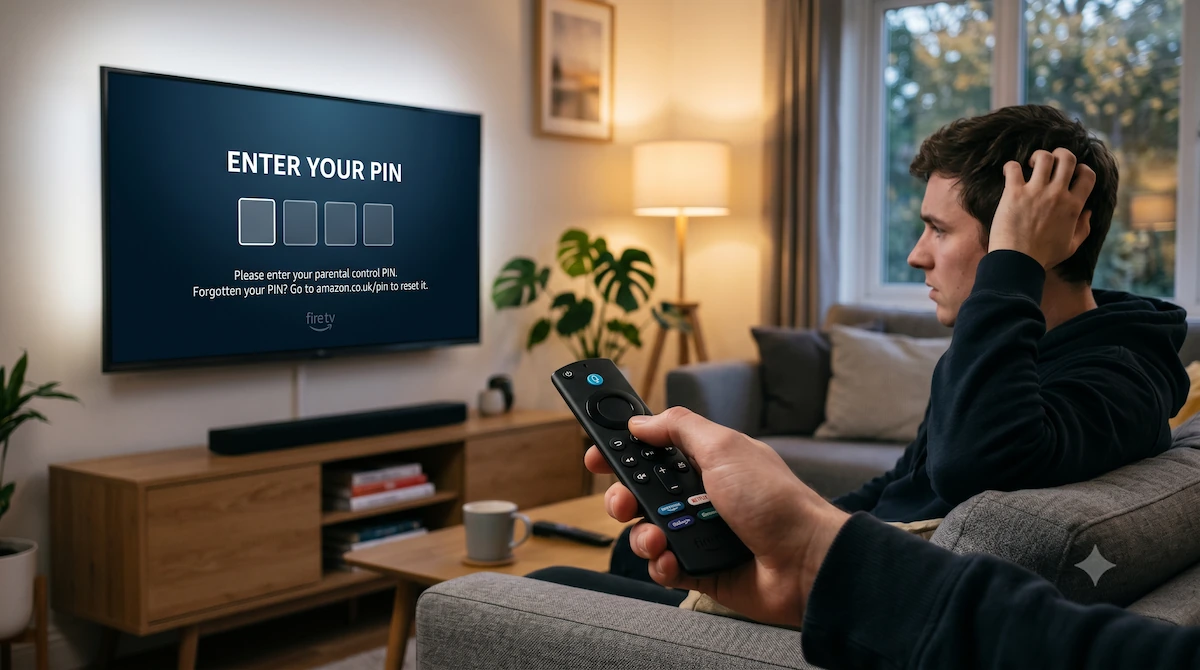
Forgot Your Fire Stick or Roku PIN? How to Reset It Fast (2026 Guide)
Last Updated: June 2026
There is nothing quite as frustrating as sitting down to watch a movie, clicking on an app, and being hit with a demand for a 5-digit PIN that you completely forgot you even set. I’ve been there, and got the t-shirt and know just how incredibly frustrating this can be, so I thought myself why not write an article about it to help others, so here goes….
Whether you created the PIN years ago to stop the kids from buying movies, or you inherited a streaming stick that is locked to someone else’s account, being locked out of your own TV is a nightmare. To make matters worse, if you try to go into the settings to factory reset the device, it often demands the PIN again before it lets you wipe it!
Before you throw the remote across the room, take a breath. Here is exactly how to bypass the PIN screen on Amazon Fire TV and Roku devices, usually without losing any of your downloaded apps or data.
1. The Official Fire Stick PIN Reset (No Data Loss)
If your Fire Stick is registered to your own Amazon account, you do not need to factory reset your device. Amazon has a hidden webpage that lets you override your TV directly from your smartphone or laptop.
How to do it:
- Grab your phone or laptop and open a web browser.
- Go directly to this official Amazon link: amazon.co.uk/pin.
- Log in using the email and password associated with your Amazon account.
- Scroll down to the Prime Video PIN section and click Change.
- Type in a brand-new 5-digit PIN and hit Save.
Within a few seconds, this new PIN will sync over the internet to your Fire Stick. Simply enter your new code on your TV, and you are immediately back in!
2. The Fire Stick “Back Button” Bypass Hack
What happens if you can’t access your Amazon account online, and you just want to factory wipe the stick and start fresh?
If you go to Settings > My Fire TV > Reset to Factory Defaults, the TV will stubbornly ask for your PIN to authorise the reset. However, there is a known software bypass to get around this prompt.
The Hack:
- Click on Reset to Factory Defaults.
- When the PIN entry box pops up, press the Back button (the swooping arrow) on your remote.
- Click Reset to Factory Defaults again.
- When the PIN box appears, press Back again.
- Repeat this process 4 to 6 times. Eventually, the software will glitch past the PIN requirement, and a screen will pop up asking: “You are about to reset your TV to its original factory settings. Continue?”
- Click Reset. Your Fire Stick will wipe itself clean, deleting the old PIN in the process.
3. How to Reset a Forgotten Roku PIN
Roku makes things a little easier, as they handle all their PIN settings via their central website rather than directly on the device.
How to reset it:
- On your phone or computer, go to my.roku.com.
- Sign in to your Roku account.
- Under the PIN Preference section, click the Update button.
- Enter your new PIN, confirm your parental control choices, and save your changes.
Your Roku device will update automatically, and you can instantly use the new PIN to unlock your apps.
4. The Ultimate Fix: When to Give Up and Upgrade
There is one scenario where neither of the above fixes will work: The “Locked Email” Dilemma.
If you bought a second-hand Fire Stick, or you are trying to use a stick registered to an ex-partner’s email address, and you do not have the password to that Amazon account, the device is functionally a brick. Because it requires a Wi-Fi connection to the original owner’s account to authorise a reset, you cannot bypass it.
Furthermore, if you are using an older, slow streaming stick that is constantly buffering, spending hours trying to hack past a forgotten PIN simply isn’t worth your time.
If your device is permanently locked out or showing its age, the most stress-free solution is to upgrade to a modern, significantly faster model. The brand-new Fire TV Stick 4K Max offers double the storage, lightning-fast Wi-Fi, and a completely fresh start.
👉 Check the latest price of the upgraded Fire TV Stick 4K Max on Amazon here
Over to you: Which method worked for you? Did the Amazon website link let you reset your PIN, or did you have to use the “Back Button” hack to completely wipe your Fire Stick? Let me know in the comments below!